Spring 26 is the kind of release that changes Monday morning operations more than it changes your homepage for good.
We at TrueSolv noticed fewer gaps between intent and execution, stronger defaults around integrations, and better tools to keep automation and data governance under control.
The fastest way to get value is to treat Spring 26 as a portfolio of operational upgrades.
Pick a few that reduce friction for revenue and service teams, pick a few that reduce risk for security and integration owners, then make them part of your quarterly delivery plan.
Here’s top new features that we found the most interesting and useful so far.
Sales Cloud and revenue teams
-
Sales Workspace plus account and prospecting enhancements
-
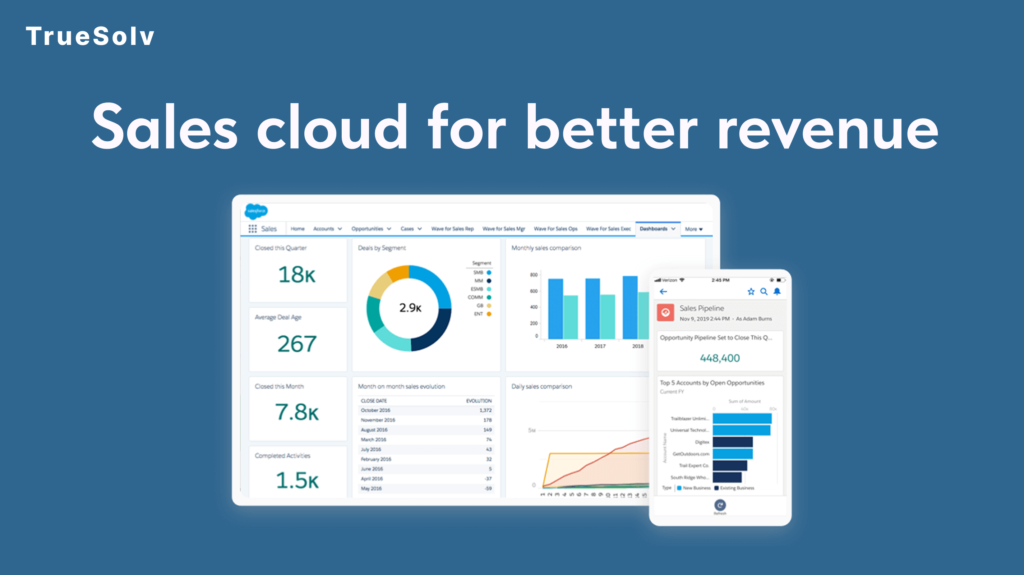
Sales Workspace is a new hub that brings together guidance, analytics, and execution so reps spend less time hunting for context. Account Management and Prospecting updates focus on keeping accounts current and keeping pipeline full, including prioritized prospects visible in CRM and Slack.
-
-
Engagement improvements with review controls
-
Engagement Enhancements add the Review Before Send workflow and the ability to send emails from a seller’s address, which is useful when you want scale without letting automation send risky messaging unchecked.
-
-
Revenue Management improvements
-
Spring ’26 also brings updates across revenue related capabilities such as omni channel selling enhancements and billing service assistance, aimed at reducing manual handling of routine billing questions and quote flows.
-
Service operations
Proactive service and signal based management
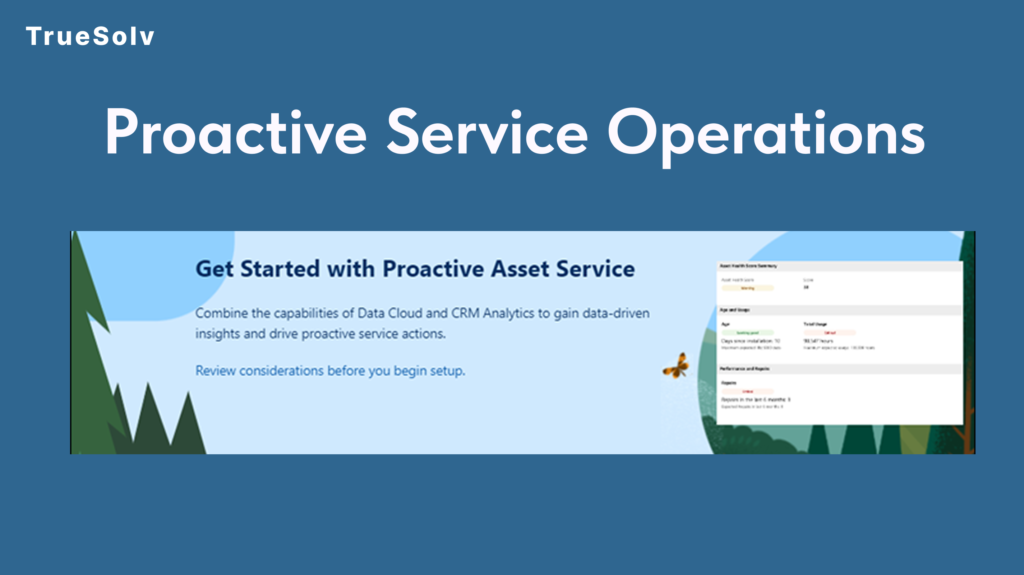
Proactive Service is designed to catch issues earlier and scale resolution guidance before escalation. Customer Signals in Command Center brings monitoring into the place where service leaders already manage operations.
Knowledge upkeep that does not rely on hero admins
Self Learning Knowledge analyzes service interactions to surface knowledge gaps and suggest updates, so the content stays usable as your support volume and channels grow.
IT service starter pack
The IT Service Domain Pack includes customizable agents, 100 plus workflows, and 100 plus service catalog items, which can shorten time to value for IT service management patterns.
Data 360 and enterprise search
Faster path from connection to activation
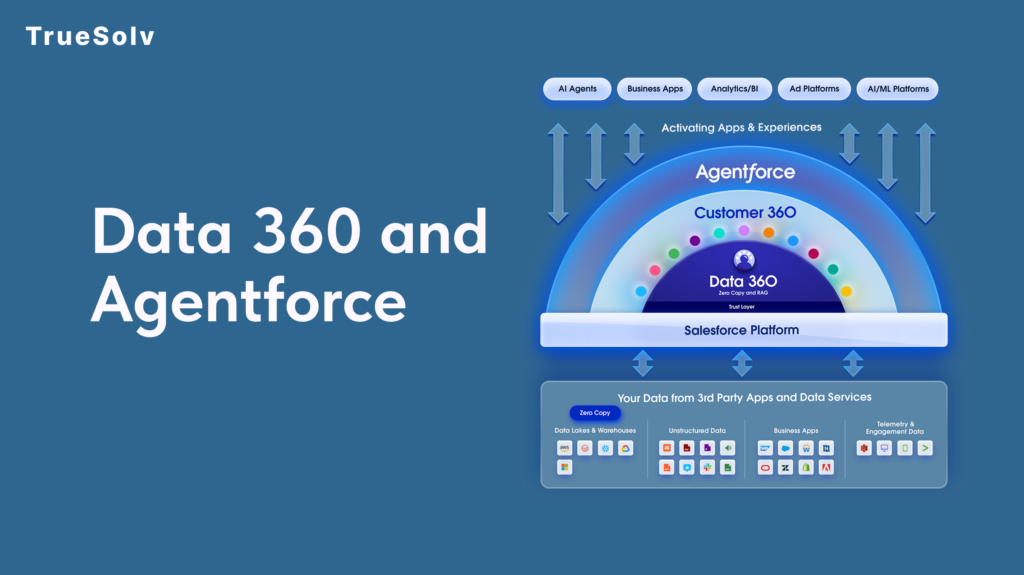
Agentic Setup and Data Management is positioned to orchestrate the Data 360 pipeline with suggestions and more guided setup, aimed at speeding up connection to activation while maintaining control.
Data lineage you can actually use in governance conversations
Salesforce Unified Lineage provides a visual view of data movement and dependencies from source to activation, which helps when metrics change and leadership asks where the number came from.
Enterprise Search and connector expansion
Agentic Enterprise Search is designed to surface information across the enterprise from inside the CRM search bar. Data 360 Connector Enhancements include Zero Copy connectors for live warehouse data and connectors for unstructured sources like Box, Guru, YouTube, and Confluence.
Security and integrations
New Connected Apps creation restricted by default
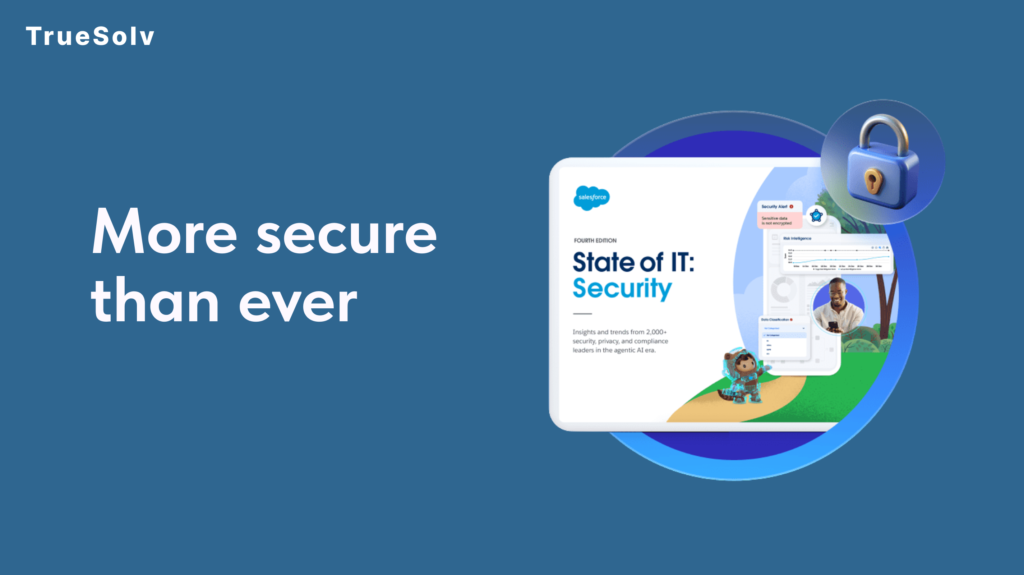
Starting with Spring 26, creation of new Connected Apps is disabled by default. Salesforce is steering new inbound integrations toward External Client Apps. Existing Connected Apps continue to function, but your integration governance model needs an update.
What leaders should take from this
This is not a UI tweak. It changes how new vendors, internal tools, and partner systems will authenticate going forward, and it forces a healthier inventory of who has access to what. The Salesforce architecture guidance frames this as a security and stability modernization, alongside reducing legacy authentication patterns.
What this changes for your business
Faster execution in core workflows.
Sales and service features focus on removing manual steps and tightening operational loops.
Better control over risk.
Connected Apps restrictions and security modernization reduce the surface area of unmanaged integrations and legacy auth.
Cleaner governance conversations.
Unified Lineage and export disclaimers make it easier to answer the two questions leadership always asks, where did this number come from and how do we prevent data mishandling.
How to find and enable the key items
Start with release readiness and Release Updates
Use Setup and search for Release Updates to review items that need preparation or testing in sandbox before enforcement.
Enable Error Console
Go to Setup, then User Interface, then enable the Error Console option for Lightning Experience error reporting.
Add report export disclaimers and dashboard table alignment
Go to Setup, then Reports and Dashboards Settings, enable the custom disclaimer for exported reports, and enable applying report settings to dashboard tables.
Turn on Sales Workspace
Sales Workspace can be turned on from Salesforce Go accessed via the gear icon, then search for Sales Workspace and complete the guided steps.
Plan External Client Apps for new inbound integrations
In Setup, search for External Client Apps and review External Client App Settings. Salesforce documentation indicates turning on the Allow creation of connected apps setting when needed, while shifting new integrations toward External Client Apps.
Use Named Query API where standard queries keep getting rebuilt
In Setup, go to Integrations, then Named Query API, define the query, and use the REST resource documentation for external consumption.
To make Spring 26 pay off, pick a handful of changes, roll them out with ownership, and measure the impact the same way you measure revenue and service outcomes.
We share practical release breakdowns, implementation tips, and short playbooks for Salesforce leaders across our channels.
Follow TrueSolv on our social media to learn more about how to make your Salesforce work for your profit.
And if you want to feel more confident with your Salesforce we at TrueSolv ready to help you, just drop us a message and we’ll contact you.