AgentExchange Salesforce: AppExchange Renamed
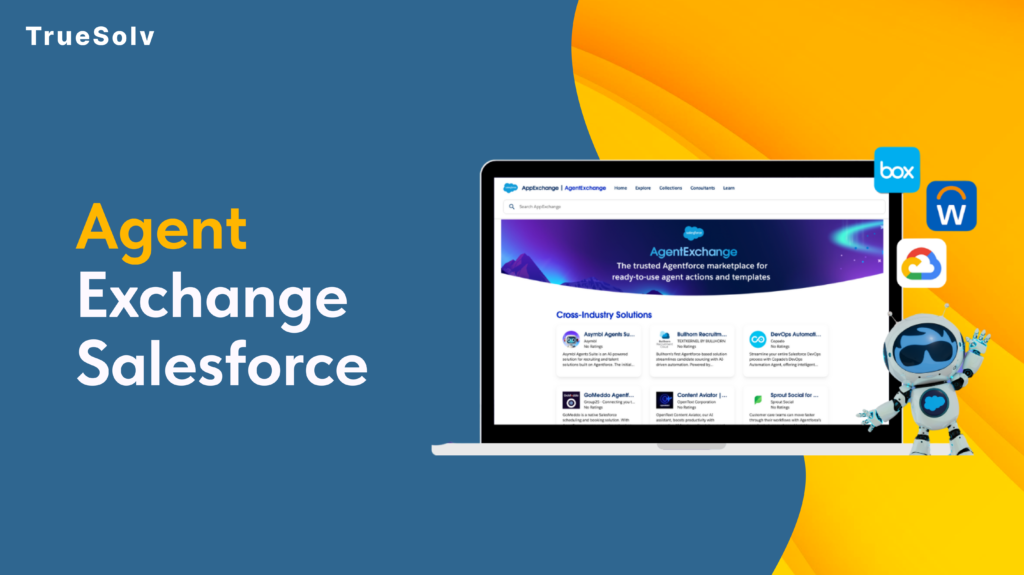
Salesforce has renamed things before. A lot. Data Cloud has had five names. Agentforce 360 had four. But AgentExchange, Salesforce’s most consequential rename yet is different. The AppExchange, launched in 2006, the marketplace that nearly 90 percent of Salesforce customers used to extend the platform, just became AgentExchange. Launched with a $50M Builders Fund and 13,000 apps, agents, and MCP servers under one roof. The community has thoughts. AppExchange to AgentExchange — Twenty Years 06 2006 AppExchange launches — first enterprise app marketplace Launch 12 2012 1,000 apps milestone 18 2018 AppExchange integrates Slack apps after acquisition 24 2024 Agentforce launches — first AI agent listings appear 26 2026 AgentExchange — unified catalog, AI search, $50M fund Now What actually changed The rename is not purely cosmetic. Three previously separate catalogs, the AppExchange, the Slack Marketplace, and the Agentforce ecosystem, are now unified into a single AI-searchable marketplace. That means 10,000 Salesforce apps, 2,600 Slack apps, and over 1,000 agents and MCP servers from partners including Google, DocuSign, and Notion now live in one place. Discovery works differently. Instead of keyword browsing through categories, users describe what they need and AgentExchange surfaces the right solution. One-click activation replaces the previous multi-step install process. For admins who have spent time navigating package installation wizards, that reduction in friction is material. The $50M Builders Fund is the other concrete change. It provides investment, engineering support, and go-to-market backing for ISVs and partners building in the new ecosystem, not a fund you apply to generically, but structured support tied to building agents and MCP integrations for AgentExchange distribution. The case for why it is more than a rebrand The community frustration with Salesforce naming is understandable and largely justified. When a product gets four names in three years, each rename starts looking like a marketing exercise rather than a product decision. This one is different for a specific reason: the marketplace structure changed, not just the name. AppExchange was an app catalog optimised for keyword search and category browsing. AgentExchange is designed from the ground up for AI-guided discovery. Those are different products with different underlying assumptions about how users find and evaluate solutions. Moreover, the consolidation of Salesforce apps, Slack apps, and AI agents into a single catalog reflects a genuine product reality: the Salesforce platform in 2026 includes all three, and separating them into different marketplaces created friction for customers who needed solutions that span all three surfaces. Putting them in one place with AI-guided discovery is a coherent response to how the platform actually works now. Partner data from the announcement makes the economic case more concrete. DocuSign processed over 200 private offers in Q4 2025 with 60 percent faster time to signature after listing on the unified marketplace. Notion cut its average sales cycle from four months to three weeks. These are not typical launch testimonials — they are specific metrics tied to the marketplace distribution model. What the community is actually saying The Reddit r/Salesforce thread opened with ‘Why?’ and the SF Ben community spent a productive afternoon debating whether CTO Nicolas Vuilamy was right that the company would eventually just rename itself Agentforce. One Salesforce coach wrote: ‘It is all a clear sign that the future is not human for Salesforce.’ The tone ranged from resigned to genuinely unsettled. The underlying concern is reasonable. When every product gets an ‘Agentforce’ prefix and every marketplace becomes an ‘Exchange’, it starts to feel like the platform is being rebuilt around a bet on AI that has not yet fully proven itself in the field. That is a fair read. The counter is also fair: the bets Salesforce made on CRM in 2006 and on the cloud in 2010 looked aggressive at the time and turned out to be correct. The question is whether the AI agent bet is in the same category. What this means by role 13,000+ Solutions total Salesforce apps, Slack apps, agents, and MCP servers unified in AgentExchange at launch $50M Builders Fund Investment, engineering support, and go-to-market backing for ISVs building agents and MCP servers 300% YoY growth Growth in Slack AI agent listings since January 2026 — the fastest-growing category in the marketplace Role What actually changed for you What to do now Admin Unified catalog means one place to find solutions across Salesforce, Slack, and Agentforce. AI-guided discovery replaces keyword browsing. One-click activation replaces multi-step install wizards. Explore Browse AgentExchange for solutions you previously searched AppExchange for — new categories and unified search may surface options you did not know existed. Developer 1,000+ agents and MCP servers are now listed alongside traditional apps. These are structured integration tools AI coding agents can call directly — a new category of extension beyond installed packages. Evaluate Review available MCP servers relevant to your integration stack. The agent/MCP category will expand rapidly; early familiarity pays off. ISV / Partner The $50M Builders Fund and AI-guided distribution represent a genuine go-to-market shift. Marketplace discoverability now depends on AI-optimised listing quality, not just keyword-based search ranking. Act now Review AgentExchange listing criteria. Evaluate what an agent or MCP server submission would require for your product. The window to list early in an AI-native marketplace is open now. Decision Maker The rename signals Salesforce’s long-term direction: agents as the primary unit of value. The practical marketplace capabilities are similar to AppExchange for current purchasing decisions. The strategic signal is clear. Watch Track which vendor partners are building agents and MCP integrations. The ecosystem is reshaping around agent-based extensions — understanding the map now informs technology roadmap decisions later. Building on Salesforce and thinking about what AgentExchange means for your product or integration strategy? Reach out at truesolv.com — we work with the Salesforce ecosystem daily. Follow us on LinkedIn for more Salesforce news with less jargon.
Salesforce Tracks Field History. Just Not Enough of It
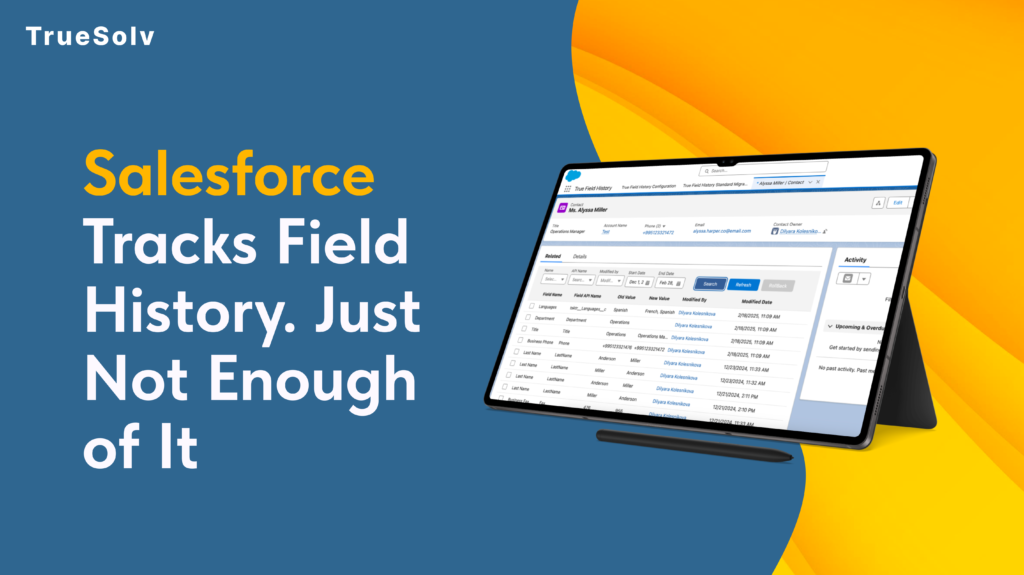
Salesforce tracks field history out of the box. Most admins know this. What they also know is that the native tracking has a ceiling of 20 fields per object, a retention window of 18 months, and a reporting layer that makes it genuinely difficult to answer the question: what changed, when, and who did it? For most orgs running real sales, compliance, or operations workflows, those limits are not theoretical. They are the reason someone eventually asks for something the system cannot produce. What native Field History Tracking actually gives you Salesforce’s built-in Field History Tracking works by logging changes to specified fields on standard and custom objects. When a field value changes, Salesforce records the old value, the new value, the timestamp, and the user who made the change. That information appears in a related list on the record. This is genuinely useful as far as it goes. For a small team with straightforward audit needs and a limited number of objects to monitor, it covers the basics without any configuration beyond selecting the fields to track. The limits become visible when the needs become real. Twenty fields per object is not a large number for an org where a Sales team, an Ops team, and a CS team are all working on the same objects with different fields they care about. Eighteen months is a short window for any compliance use case where a contract or customer relationship spans multiple years. And the related list view, while functional for looking up a single record, is not a reporting surface. ⚠ What happens when a deal value changes and nobody knows why The situation A rep closes a deal at $48,000. Commission is calculated. Three weeks later, the Opportunity Amount in Salesforce reads $38,000. The rep says the value was changed without authorisation. The manager says it was never $48,000. The deal was one of hundreds closed that quarter. Without True Field History The Amount field was not one of the 20 tracked fields — or the change happened during a bulk import that bypasses native logging — or it happened 19 months ago, outside the retention window. No verifiable record exists. The dispute is resolved by whoever has more leverage in the room. With True Field History The full history of the Amount field is available as a Salesforce report: original value, every change since creation, the user who made each change, and the timestamp. The dispute takes five minutes to resolve, and the answer is based on data, not memory. What True Field History does differently True Field History is a native Salesforce app built to remove the ceilings that the built-in tracking imposes. It runs inside your existing Salesforce org, uses the same objects and security model your team already works with, and does not require external infrastructure or a separate data store. The difference is in what gets tracked, how long it is retained, and what you can do with the data once it exists. Capability Native Field History Tracking True Field History Fields tracked per object 20 fields maximum Hard Salesforce platform limit — applies to all standard and custom objects Unlimited Track as many fields as your compliance or operations requirements need Data retention period 18 months Changes older than 18 months are purged automatically by Salesforce Configurable Retain history for as long as your business or regulatory requirements specify Reportability Related list only View history on one record at a time — cannot be included in standard Salesforce reports or dashboards Full Salesforce reporting History data is queryable via Reports and Dashboards — analyse across records, users, and time periods API and system user changes Partial API changes to tracked fields are logged, but still subject to the 20-field cap and retention window Full coverage All changes captured — human edits, integration users, API calls, and system processes Bulk and import changes Not logged Data Loader and bulk API changes are excluded from native field history by default Captured Import and bulk operation changes are logged with user, timestamp, and source Cross-record analysis Not available No way to report on which fields changed most, which users made the most edits, or change patterns across the org Available Build reports on change frequency, user activity, object-level trends, and pre/post-change values at scale Compliance audit readiness Limited Adequate for basic lookups within the 18-month window if the field was tracked — insufficient for formal audits on older data Purpose-built Designed to produce the complete, date-stamped change history that auditors and compliance teams require Installation Native — no install needed Native Salesforce app Installed in your org — no external infrastructure or separate data store No field cap True Field History tracks as many fields as your compliance, operations, or business requirements need — not as many as Salesforce’s 20-field limit allows. For objects with complex workflows where many fields carry business-critical information, this removes the prioritisation problem: you no longer have to decide which 20 fields matter most. Retention that matches your business timeline The 18-month native retention window is shorter than many contract cycles, audit requirements, or customer relationship timelines. True Field History retains the history you need for as long as your business requires it, without the automatic purge that native tracking applies. History that is actually reportable The related list view in native Salesforce is not a reporting surface. It shows you the history of one record at a time, which is fine for lookups but useless for analysis. True Field History stores change data in a structure that Salesforce Reports and Dashboards can query. That means you can answer questions like: which fields changed most frequently last quarter, which users made the most modifications to closed Opportunities, or which accounts had their contract value changed in the 30 days before renewal. System and API changes captured Changes made by integration users, system administrators, or API processes are logged alongside changes made by human users. For orgs with active integrations,
Your reps are not losing quota without Salesforce Time Tracking
Time disappears into meetings, emails, and CRM updates that nobody tracks
How to increase code coverage quickly in Salesforce
TrueSolv explains Salesforce Apex code coverage for deployments and AppExchange packages for safer releases.