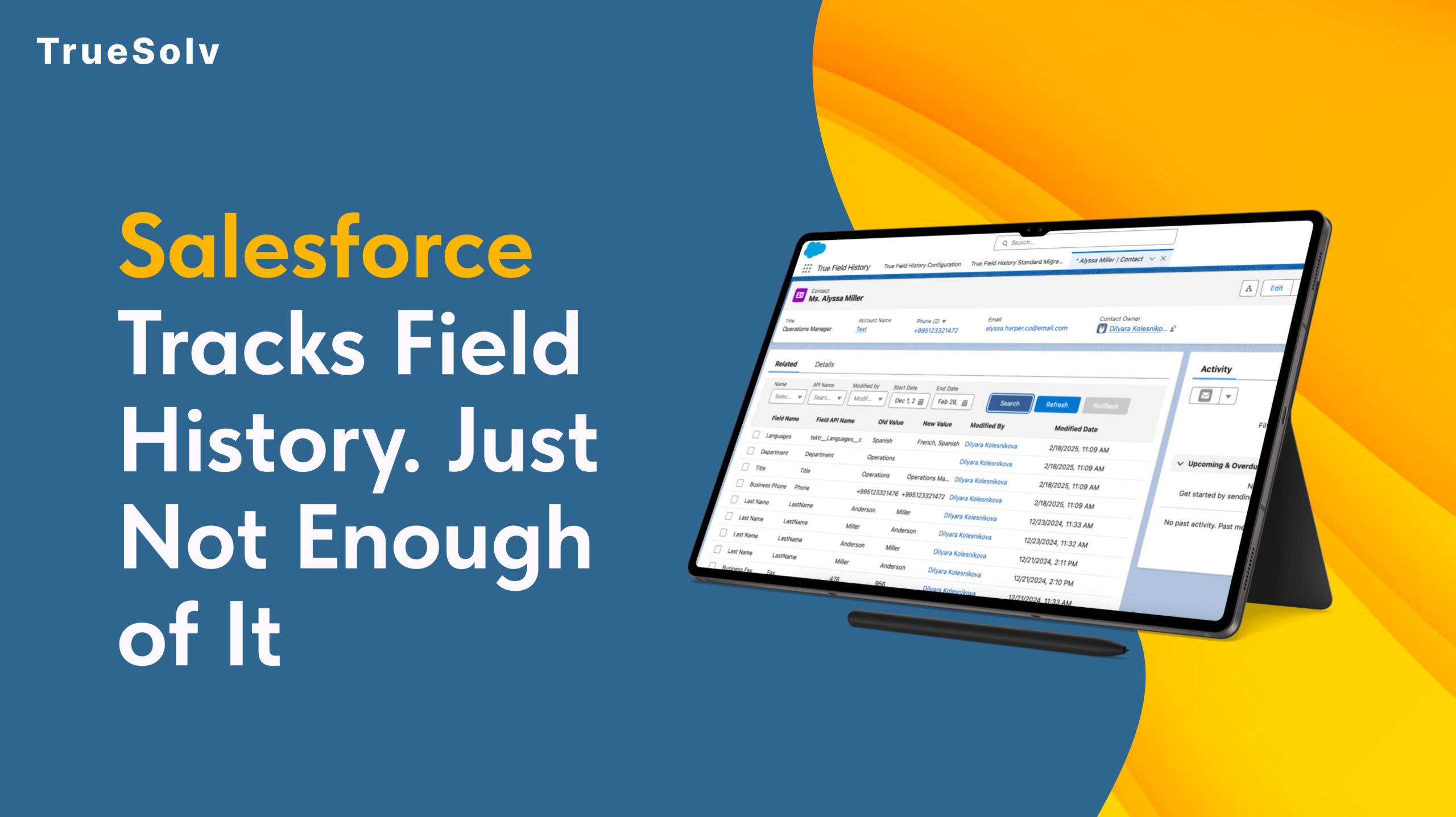
Salesforce tracks field history out of the box. Most admins know this. What they also know is that the native tracking has a ceiling of 20 fields per object, a retention window of 18 months, and a reporting layer that makes it genuinely difficult to answer the question: what changed, when, and who did it?
For most orgs running real sales, compliance, or operations workflows, those limits are not theoretical. They are the reason someone eventually asks for something the system cannot produce.
What native Field History Tracking actually gives you
Salesforce’s built-in Field History Tracking works by logging changes to specified fields on standard and custom objects. When a field value changes, Salesforce records the old value, the new value, the timestamp, and the user who made the change. That information appears in a related list on the record.
This is genuinely useful as far as it goes. For a small team with straightforward audit needs and a limited number of objects to monitor, it covers the basics without any configuration beyond selecting the fields to track.
The limits become visible when the needs become real.
Twenty fields per object is not a large number for an org where a Sales team, an Ops team, and a CS team are all working on the same objects with different fields they care about.
Eighteen months is a short window for any compliance use case where a contract or customer relationship spans multiple years. And the related list view, while functional for looking up a single record, is not a reporting surface.
What True Field History does differently
True Field History is a native Salesforce app built to remove the ceilings that the built-in tracking imposes. It runs inside your existing Salesforce org, uses the same objects and security model your team already works with, and does not require external infrastructure or a separate data store.
The difference is in what gets tracked, how long it is retained, and what you can do with the data once it exists.
| Capability | Native Field History Tracking | True Field History |
|---|---|---|
| Fields tracked per object | 20 fields maximum Hard Salesforce platform limit — applies to all standard and custom objects | Unlimited Track as many fields as your compliance or operations requirements need |
| Data retention period | 18 months Changes older than 18 months are purged automatically by Salesforce | Configurable Retain history for as long as your business or regulatory requirements specify |
| Reportability | Related list only View history on one record at a time — cannot be included in standard Salesforce reports or dashboards | Full Salesforce reporting History data is queryable via Reports and Dashboards — analyse across records, users, and time periods |
| API and system user changes | Partial API changes to tracked fields are logged, but still subject to the 20-field cap and retention window | Full coverage All changes captured — human edits, integration users, API calls, and system processes |
| Bulk and import changes | Not logged Data Loader and bulk API changes are excluded from native field history by default | Captured Import and bulk operation changes are logged with user, timestamp, and source |
| Cross-record analysis | Not available No way to report on which fields changed most, which users made the most edits, or change patterns across the org | Available Build reports on change frequency, user activity, object-level trends, and pre/post-change values at scale |
| Compliance audit readiness | Limited Adequate for basic lookups within the 18-month window if the field was tracked — insufficient for formal audits on older data | Purpose-built Designed to produce the complete, date-stamped change history that auditors and compliance teams require |
| Installation | Native — no install needed | Native Salesforce app Installed in your org — no external infrastructure or separate data store |
No field cap
True Field History tracks as many fields as your compliance, operations, or business requirements need — not as many as Salesforce’s 20-field limit allows.
For objects with complex workflows where many fields carry business-critical information, this removes the prioritisation problem: you no longer have to decide which 20 fields matter most.
Retention that matches your business timeline
The 18-month native retention window is shorter than many contract cycles, audit requirements, or customer relationship timelines.
True Field History retains the history you need for as long as your business requires it, without the automatic purge that native tracking applies.
History that is actually reportable
The related list view in native Salesforce is not a reporting surface. It shows you the history of one record at a time, which is fine for lookups but useless for analysis.
True Field History stores change data in a structure that Salesforce Reports and Dashboards can query.
That means you can answer questions like: which fields changed most frequently last quarter, which users made the most modifications to closed Opportunities, or which accounts had their contract value changed in the 30 days before renewal.
System and API changes captured
Changes made by integration users, system administrators, or API processes are logged alongside changes made by human users. For orgs with active integrations, this is the difference between a complete audit trail and a partial one.
Three use cases where it makes an immediate difference
Salesforce’s native field history is a starting point, not a destination. For teams where data changes have business or legal consequences, the ceiling it imposes is not a minor inconvenience. It is a risk.
If your team has ever needed a field change history that Salesforce could not give you, True Field History is worth 20 minutes of your time. Book a demo or ask us anything through truesolv.com. Follow us on LinkedIn and Instagram for more Salesforce product content.