Salesforce & Stripe Integration
for Subscription Billing
A UK-based Fintech SaaS was running Salesforce and Stripe as two separate systems. TrueSolv connected them in 6 weeks — boosting renewal rates by 28% and saving 3 hours of admin work per week.

Two systems. No visibility. Renewals falling through the cracks.
A UK-based Fintech SaaS company with around 35 people was running Salesforce and Stripe as two entirely separate systems. The sales team worked in Salesforce. Finance worked in Stripe. Neither had visibility into what the other was seeing, and no one had a complete picture of subscription health across the portfolio.
The impact was tangible. Account managers were missing renewal windows because no alert existed in the CRM. Churn was only detected when a cancellation email arrived — never before. And revenue forecasting required a weekly manual reconciliation that nobody enjoyed doing.
- Disconnected systems: Stripe subscription data — MRR, ARR, payment status — not visible in Salesforce.
- Manual renewals: No automated renewal pipeline; account managers tracked renewals in a shared spreadsheet.
- Late churn detection: Churn signals such as failed payments or downgrades not actioned until it was too late.
- No account health view: Sales reps unable to see whether an account was on trial, paying, or overdue.
- Reporting misalignment: Finance and sales working from different numbers with no single source of truth.
A real-time Stripe-Salesforce integration with full renewal automation
TrueSolv delivered the Scale package, integrating Salesforce with Stripe and building the full subscription management and renewal layer on top. The project ran for six weeks from discovery to go-live.

Built a real-time data sync between Stripe and Salesforce using REST API and custom Apex. Subscription status, MRR, ARR, trial end date, payment history, and plan tier are now displayed directly on every Account record in Salesforce.
Configured automatic creation of renewal Opportunities 90 days before each contract end date, assigned to the relevant account manager with a pre-built task sequence covering outreach, negotiation, and close.
Implemented churn risk alerts triggered by payment failures, plan downgrades, and account inactivity. When an at-risk signal fires, the account manager receives a Slack notification via Salesforce Flow within minutes.
Delivered a live MRR and ARR dashboard inside Salesforce covering total recurring revenue, churn rate, expansion MRR, and net revenue retention. Finance and sales now look at the same numbers.
Set up a Contracts object to manage subscription terms, pricing tiers, and renewal conditions. The full contract lifecycle — from signature to renewal — is now tracked inside Salesforce.
"Before this integration, I had no idea which accounts were about to churn until it was already too late. Now our account managers get an alert 90 days before renewal — and we closed the quarter with zero missed opportunities."
We'd been talking about connecting Salesforce and Stripe for over a year. TrueSolv got it done in six weeks, and the impact was immediate. Renewal rate is up 28%, our forecasts are actually accurate, and the finance team stopped sending me angry emails about mismatched numbers. The churn detection alone has paid for the whole project.
Renewals up, churn down, forecasts you can trust
The integration delivered immediate, measurable results — from renewal rate improvements through to reporting accuracy and revenue reconciliation speed.
Built with
Salesforce and your billing tool
shouldn't be two separate worlds.
If your sales team can't see subscription status, payment health, or renewal dates in Salesforce — you're flying blind on churn and renewals. We'll connect them in 6 weeks, fixed price.
Other Case Studies
From HubSpot to Salesforce in 4 Weeks
Full CRM migration after Series A — zero data loss, pipeline visibility up 40%.
Salesforce Transformation for a National UK Nonprofit
Custom LWC, Google Maps service directory, and workflow automation.
User Management with a Custom AppExchange Package
Custom Salesforce app to automate user permissions for 1,000+ users. Passed Security Review.
Learn More In Blog
Insights, how-to's and Salesforce best practices from the TrueSolv team
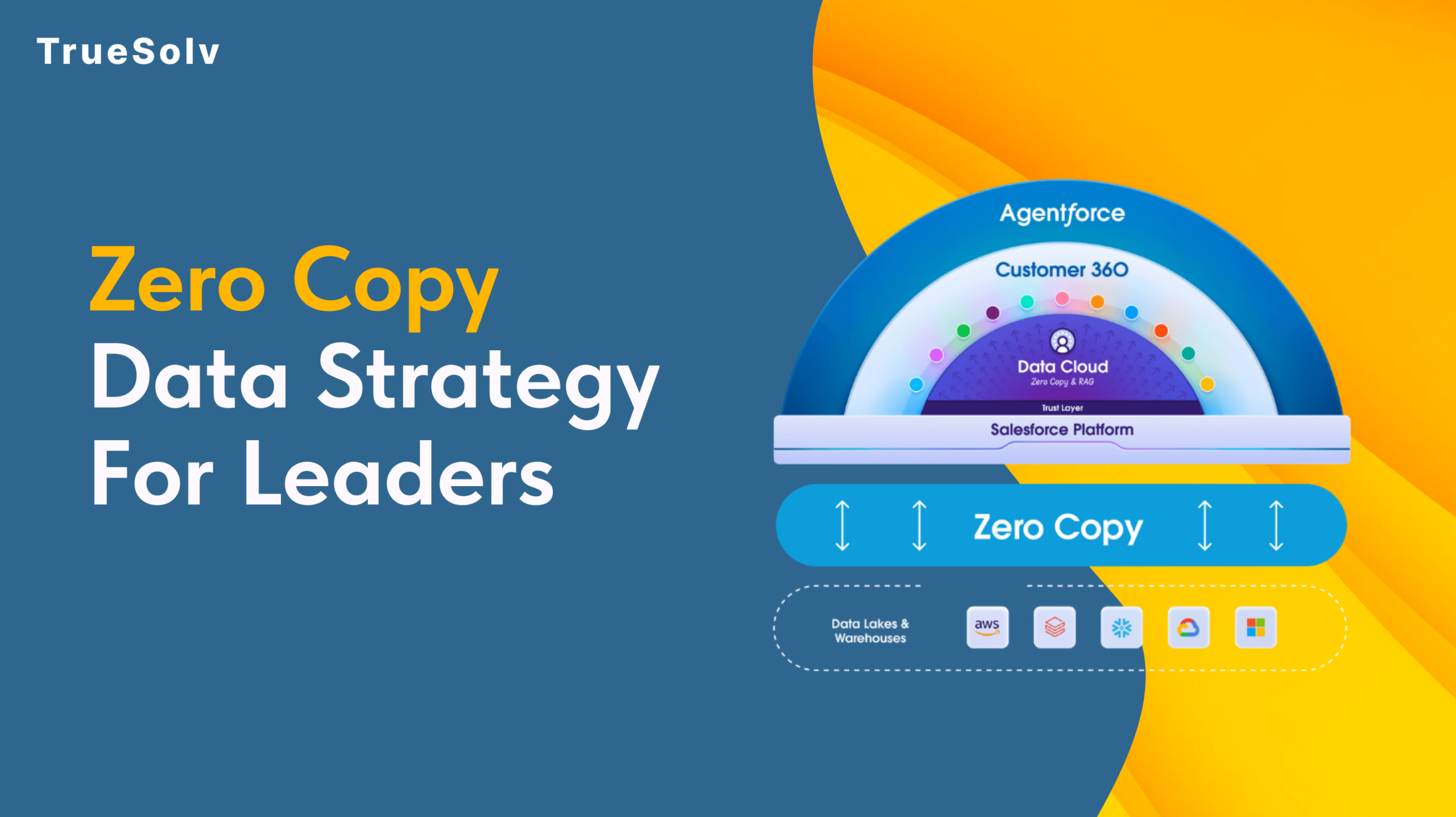
Zero Copy Data Strategy For Salesforce Leaders
Your data pipeline costs are high because duplication is still the default. Zero Copy changes that entirely.
How to Upload Custom Metadata Type Records from CSV
Salesforce said no to Data Loader for custom metadata. Here is what actually works for admins who hit this wall.
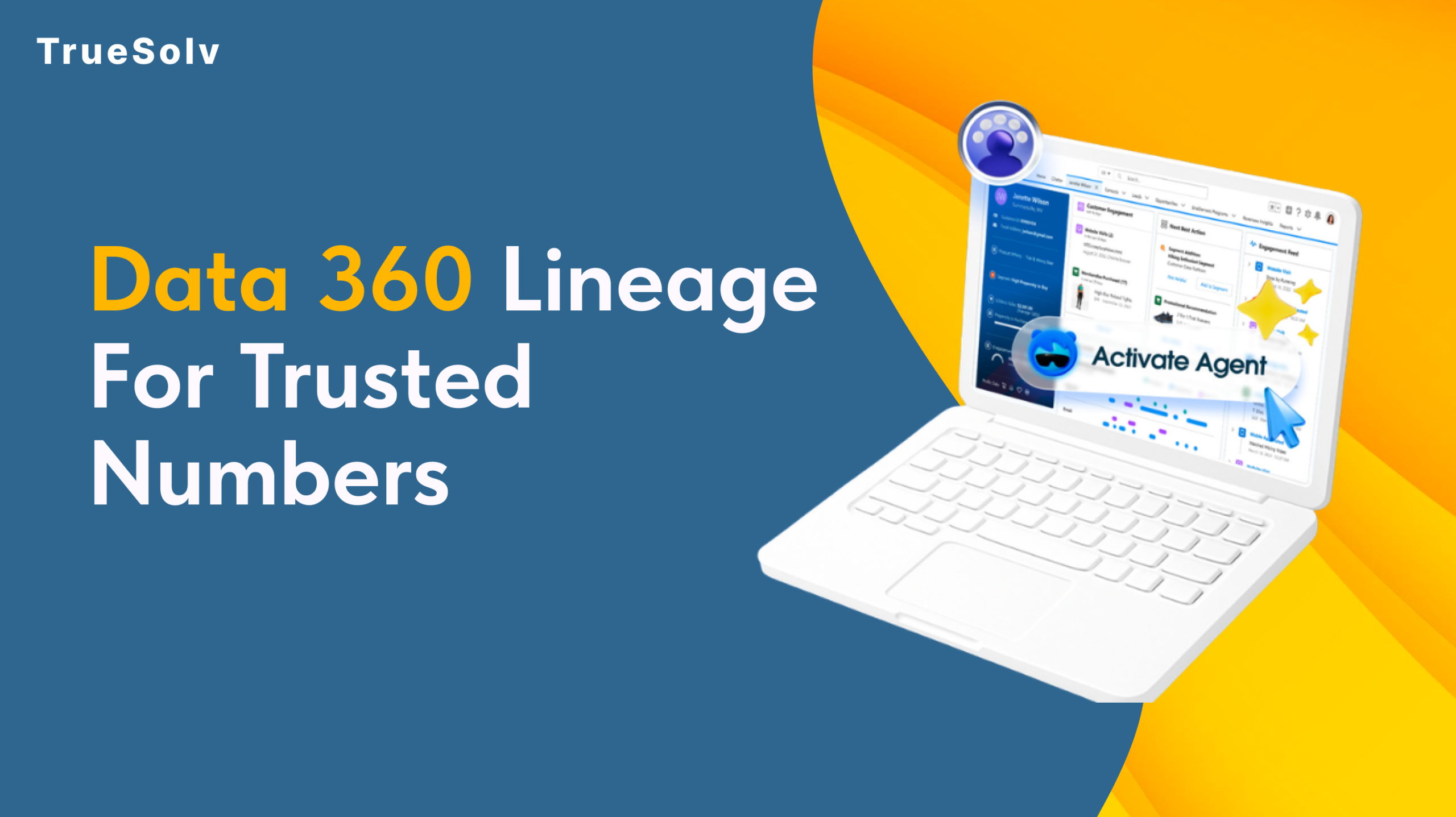
Data 360 Lineage For Trusted Numbers
Two reports. Two very different numbers. One very uncomfortable meeting. Here's how Data 360 Lineage solves it.
Salesforce External Client Apps Integration Governance
Most Salesforce orgs have integrations nobody fully owns. Built by a consultant who left, configured by an admin who guessed.

Salesforce Health Check Service for Secure CRM
Find security gaps, slow automation, dirty data, and brittle integrations — then fix them.

Salesforce Spring '26 Release — Top Features by TrueSolv
Spring '26 brings meaningful updates to Agentforce, Einstein, and Flow.