Articles
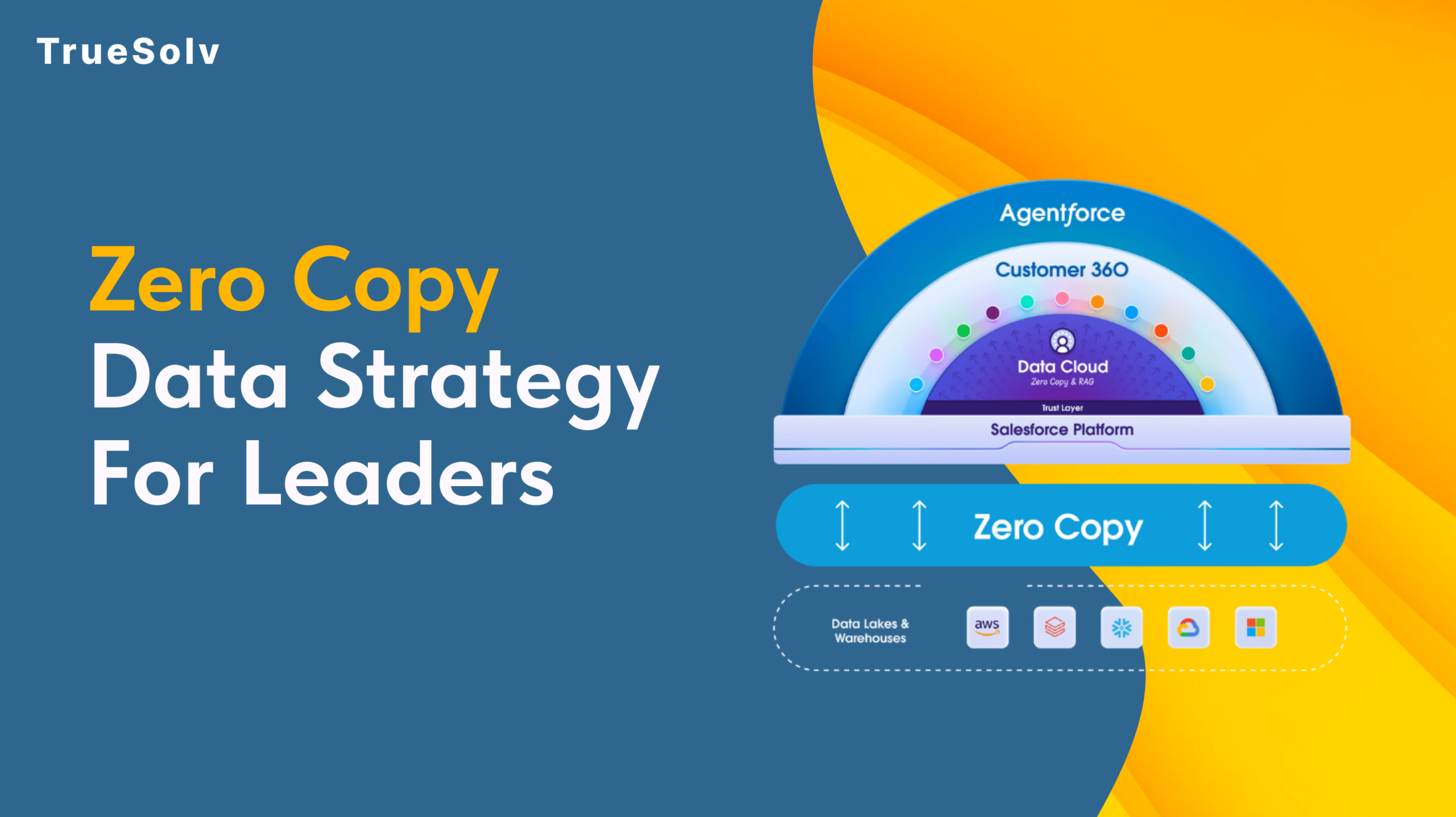
Zero Copy Data Strategy For Salesforce Leaders
Your data pipeline costs are high because duplication is still the default.
Salesforce users at a US technology company were managing Quote Line Items through a fragmented, multi-screen process — and generating customised PDFs required extra manual steps. TrueSolv built a custom LWC Table Wizard for inline CRUD operations and Visualforce PDF generation with version-controlled naming.

Salesforce users faced inefficiencies when managing Quote Line Items — no streamlined interface meant creating, updating, and deleting lines required navigating multiple screens. Generating customised PDFs with headers, footers, and version numbers was a cumbersome manual task requiring extra steps.
TrueSolv built a custom Table Wizard on the Quote record page as an interactive LWC table — each row representing a Quote Line Item with full inline CRUD operations. A Visualforce-based PDF action captures Quote data with version-controlled naming and auto-saves.
A fully custom Table Wizard on the Quote record page acts as an interactive table where each row represents a Quote Line Item. Users perform all CRUD operations directly within the interface — no navigating to separate screens, no context switching.
The table wizard features colour-coded row and section highlighting — users can visually flag critical Quote Line Items, draw attention to specific sections, and streamline the review process by making important information immediately visible.
A custom action on the Quote record page generates a Visualforce PDF containing additional header and footer data — creation date, Quote name, and version number. The PDF is automatically saved with a consistent naming convention for easy tracking and version history.
"Our reps were opening three different screens just to add a line to a quote. The table wizard puts everything in one place — and the PDFs now save automatically with the right version number so we always know what was sent to the customer."
Quote management was genuinely painful before. Line items required navigating away, PDFs had to be manually assembled, and nobody could remember which version had actually gone to the customer. The TrueSolv table wizard solved all of it. Inline CRUD means the whole quote lives on one screen. The colour highlighting helps reps focus on the right items. Version-controlled PDFs mean our records are always clean. Quote creation time dropped significantly.
The Table Wizard and PDF automation significantly improved user efficiency and accuracy across the quoting process.
If your Salesforce quoting process requires multi-screen navigation and manual PDF assembly, we'll build a Table Wizard and automated PDF generation that put everything in one place.
Product rules, bundling, and Apex logic for faster accurate quoting.
Automated statements, LWC form, Community access.
ChatGPT integration for email thread summarisation and reply drafting.
Insights, how-to's and Salesforce best practices from the TrueSolv team
Your data pipeline costs are high because duplication is still the default.
Salesforce said no to Data Loader for custom metadata. Here is what actually works.

Two reports. Two very different numbers. One very uncomfortable meeting.
Most orgs have integrations nobody fully owns. Built by a consultant who left.

Find security gaps, slow automation, dirty data, and brittle integrations.

Spring '26 brings meaningful updates to Agentforce, Einstein, and Flow.